CONNECTED COMMERCE, OPERATIONS, ACCESS & SAFETY
One world.Connected.
Protect every guest. Run the whole property. HR, scheduling, payroll, POS, bookings, access and connected safety — one operating system for the whole team.
Ski resorts · Water parks · Campgrounds · Gyms · Trampoline parks · Hotels & lodging
Book a 20-minute demo ↗ Explore the software ↗Scroll to dive

SA-KIOSK · FOOD & LODGING
Place the tray.Review the sale.
SA-Kiosk brings overhead tray scanning, a landscape checkout screen and a side reader to lodge dining halls and food-service counters. Guests place their meal, review the items in ScanningAssist POS and complete the configured payment flow.
- AI tray scanning
- Real POS
- Face ID + palm
- RFID + barcode
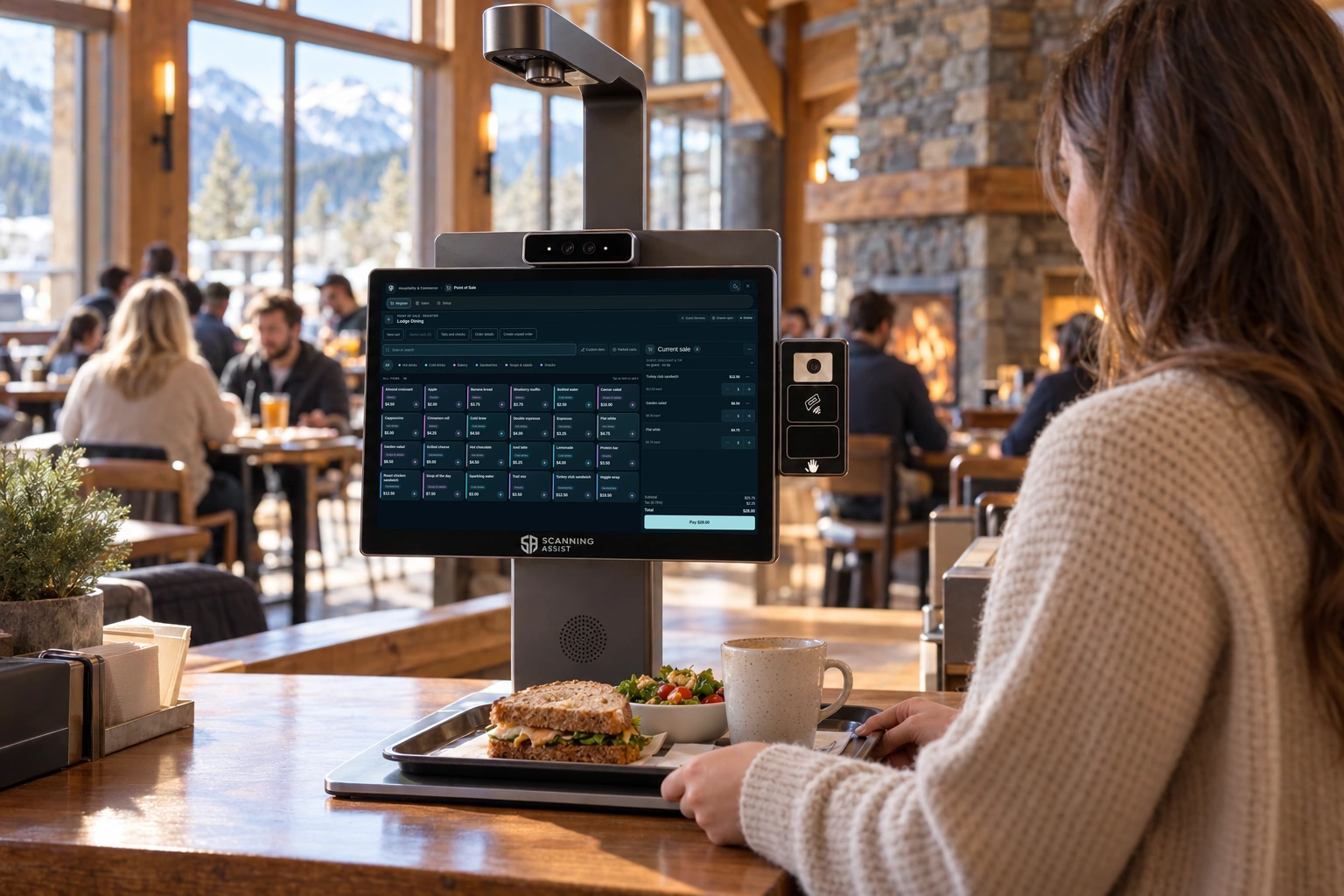
to one connected sale.
Lodge food-service checkout · Illustrative placement
OPERATIONS & WORKFORCE
The whole team.One clear view.
From hiring, credentials and leave to scheduling, time clocks and payroll. Connect the team with POS, kitchen orders, bookings, rentals, your guest website and the hardware across your property.
- HR & hiring
- Scheduling
- Payroll
- Guest services
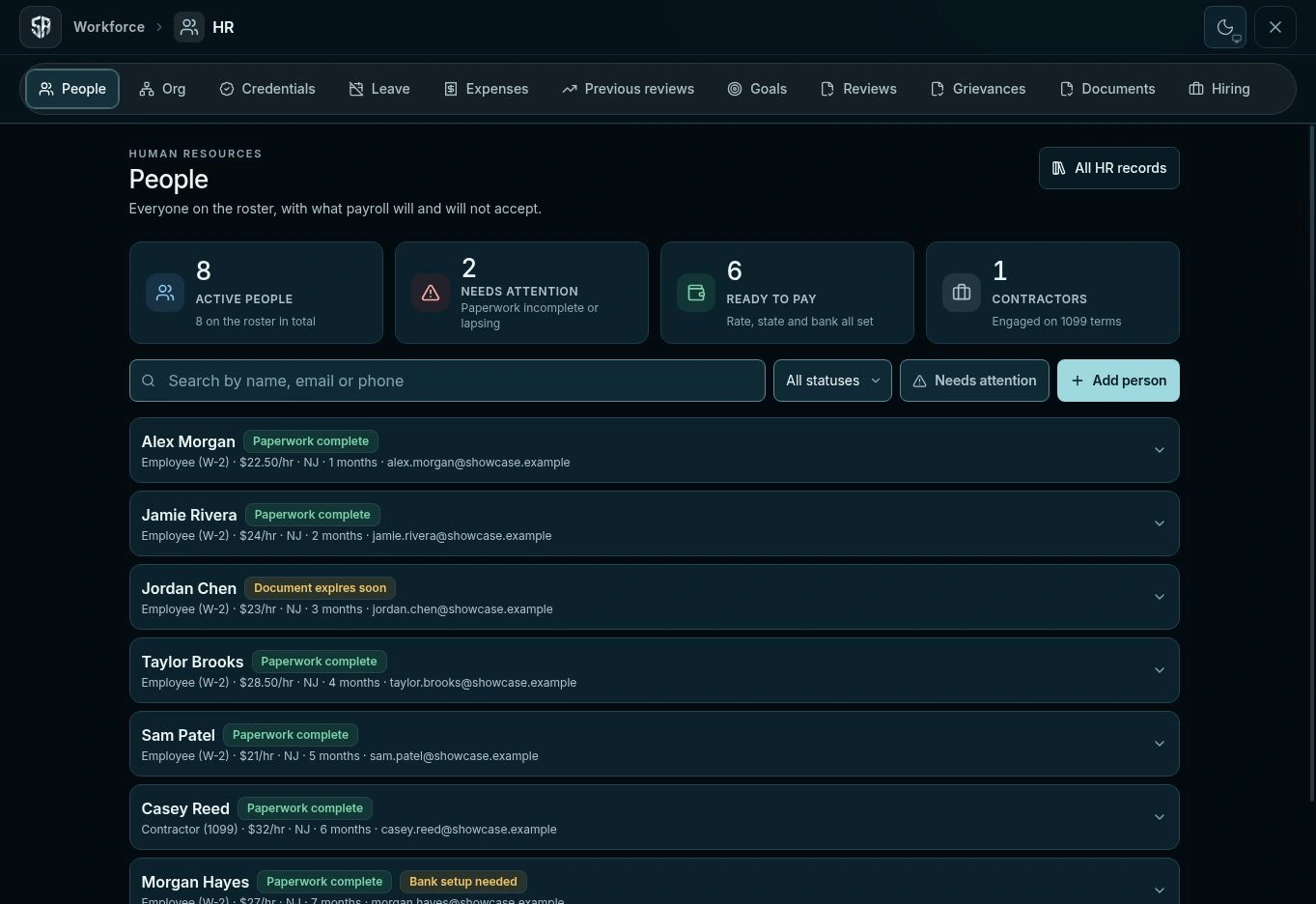
In the right hands.
SA-ACCESS GATE
One guest.A clear way in.
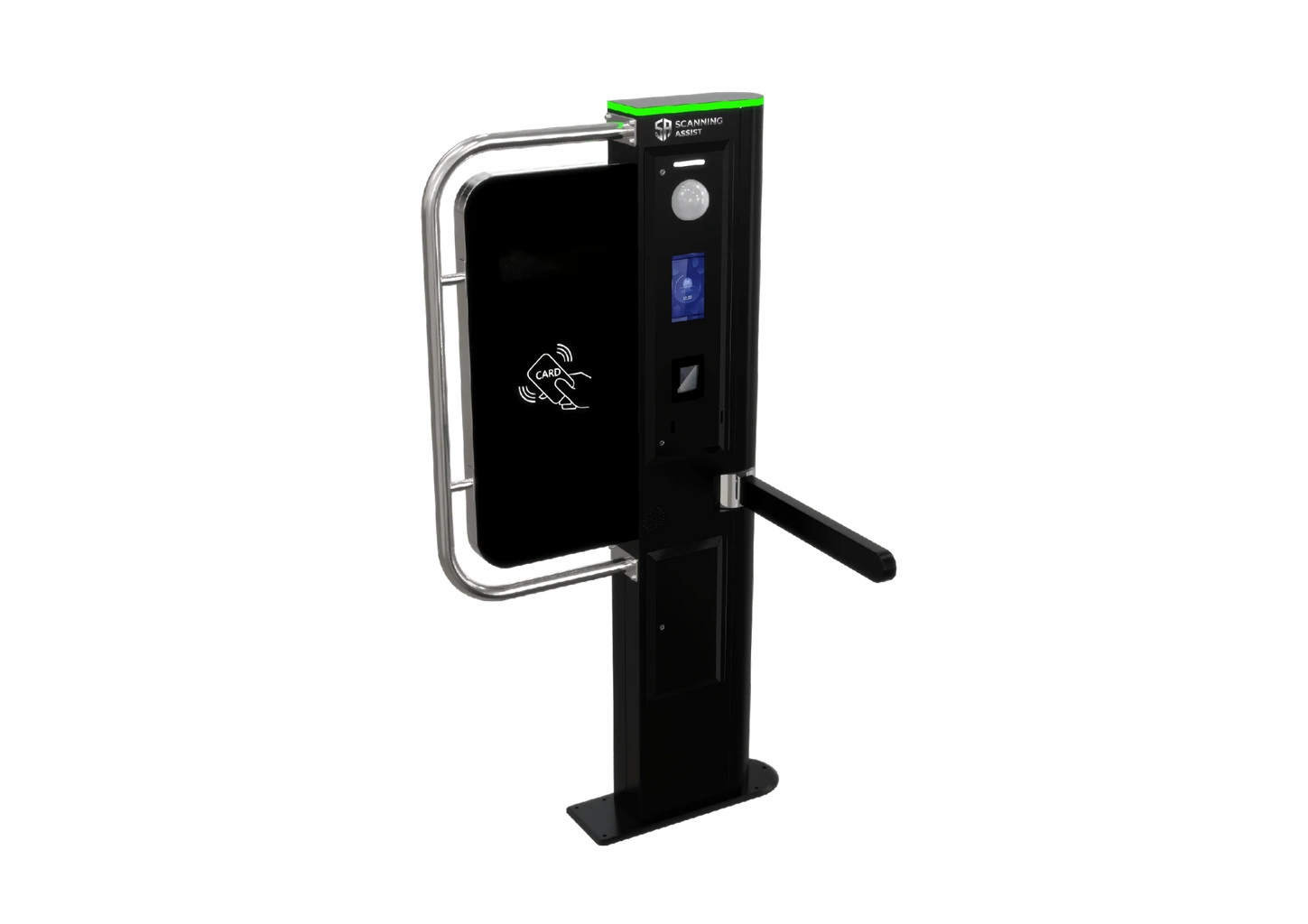
Face ID, palm, RFID and barcode check-in for waterpark entrances, ski-lift plazas, gyms and attraction admission lanes. SA-Access Gate checks the guest’s entitlement, turns the status light green and opens the separate arm when access is granted.
- Face ID + palm
- RFID
- Barcode
- Entitlements
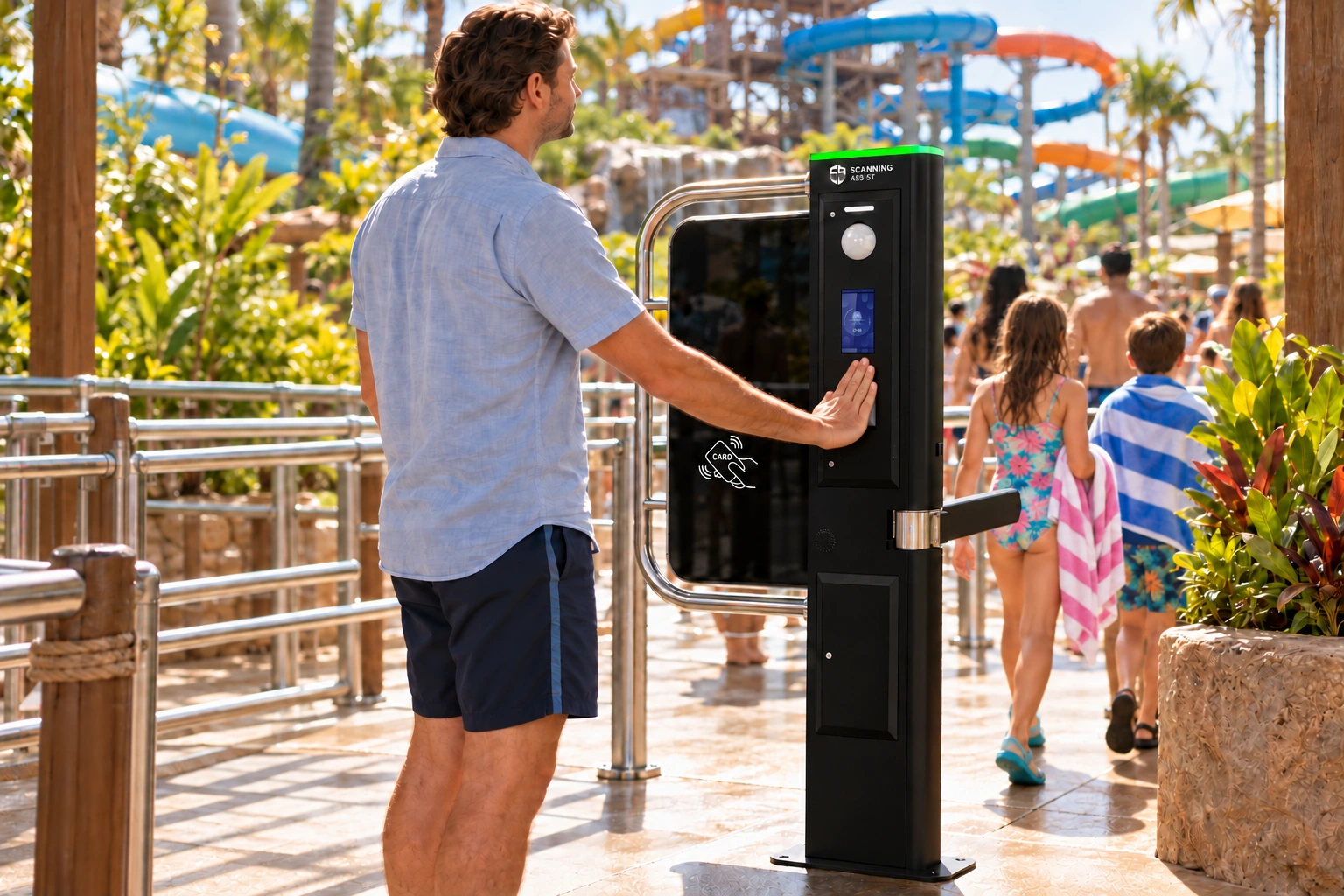
One connected visit.
US waterpark entrance · Illustrative placement
AQUATIC SAFETY & RESPONSE
Above. Below.Connected.
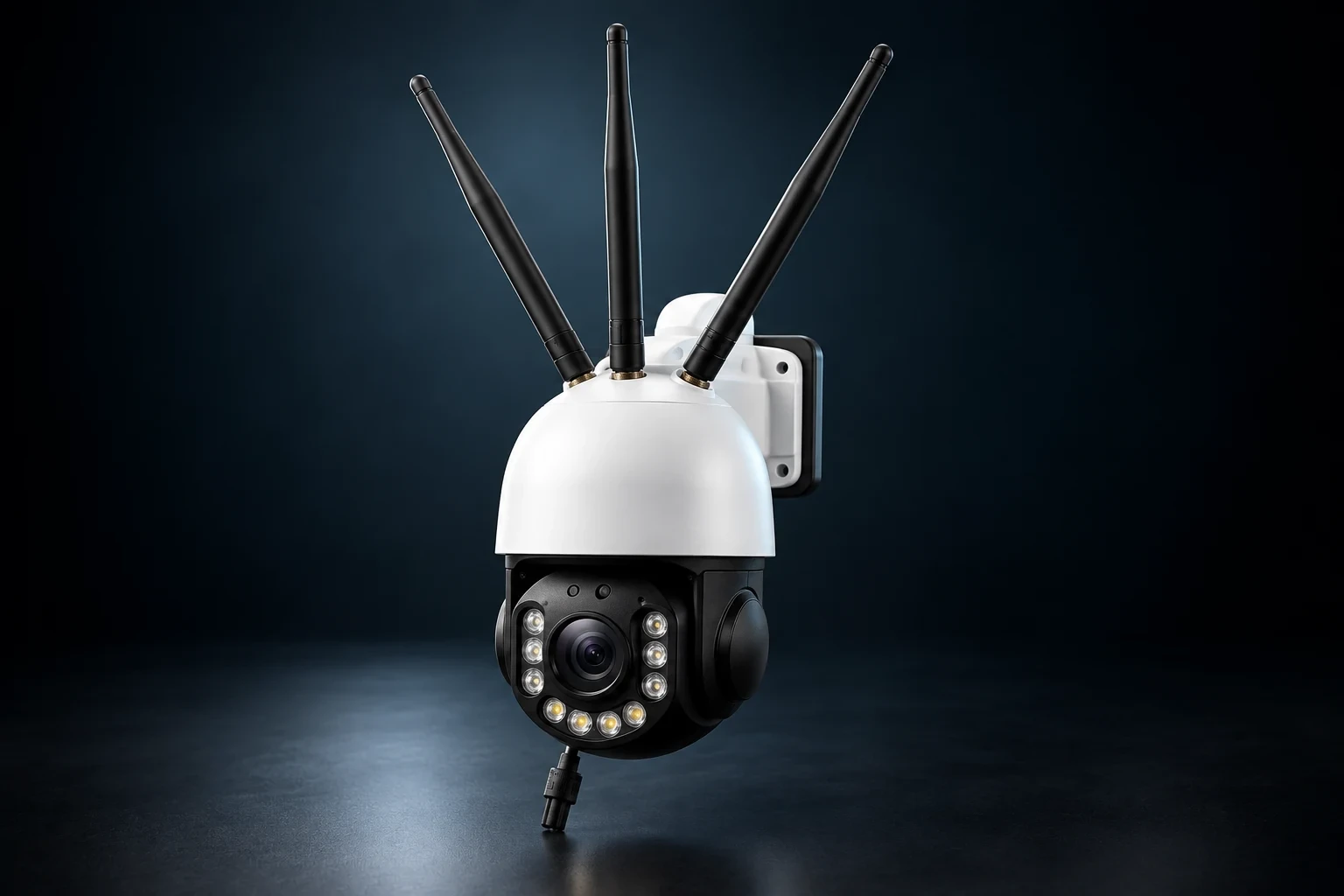
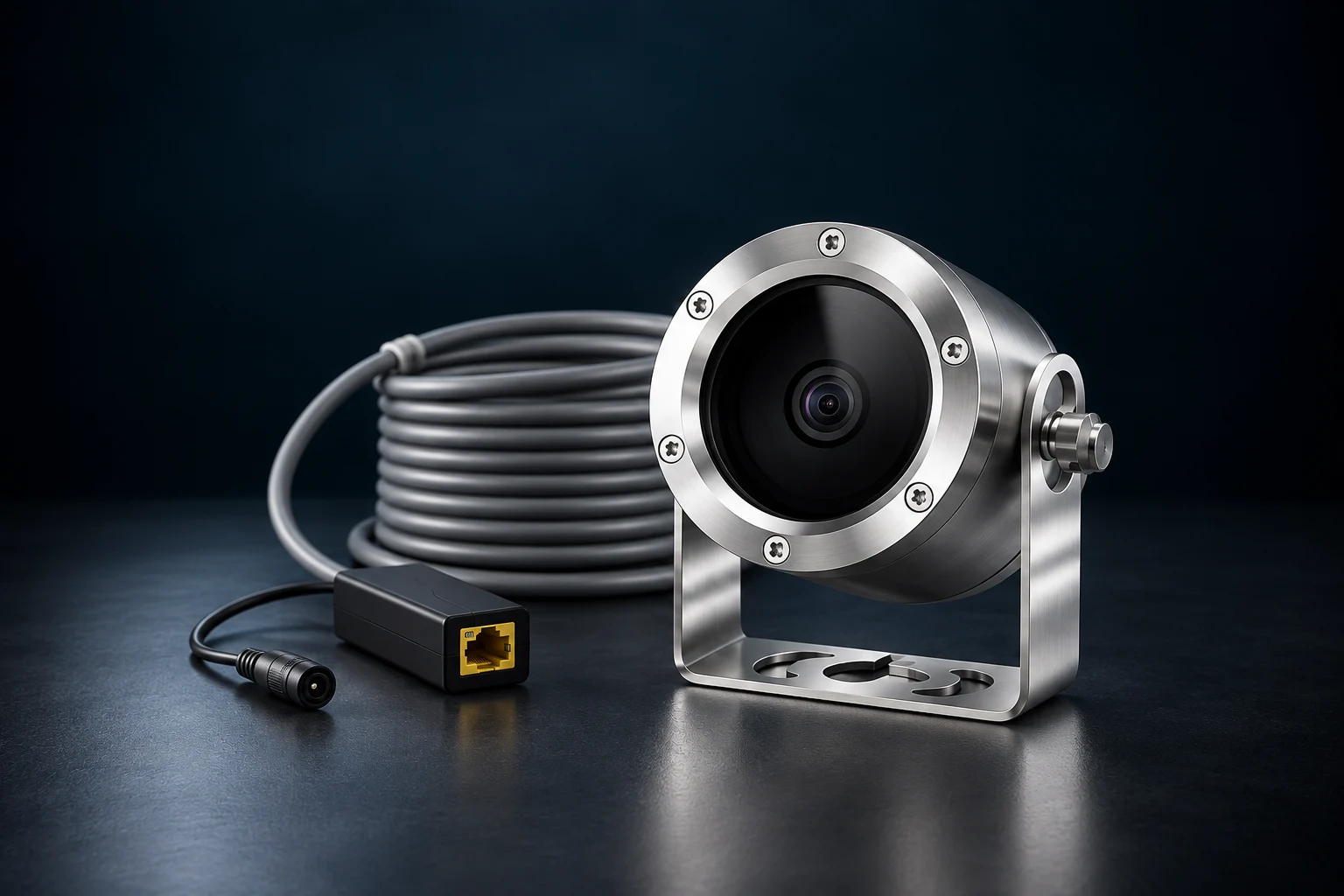
Compare SA-Guard’s above-water view with SA-Vision’s underwater perspective. Explore each camera’s hardware, placement and operating use cases, then plan the sightlines your pool needs.
- SA-Guard
- SA-Vision
- Camera placement
- Monitoring zones
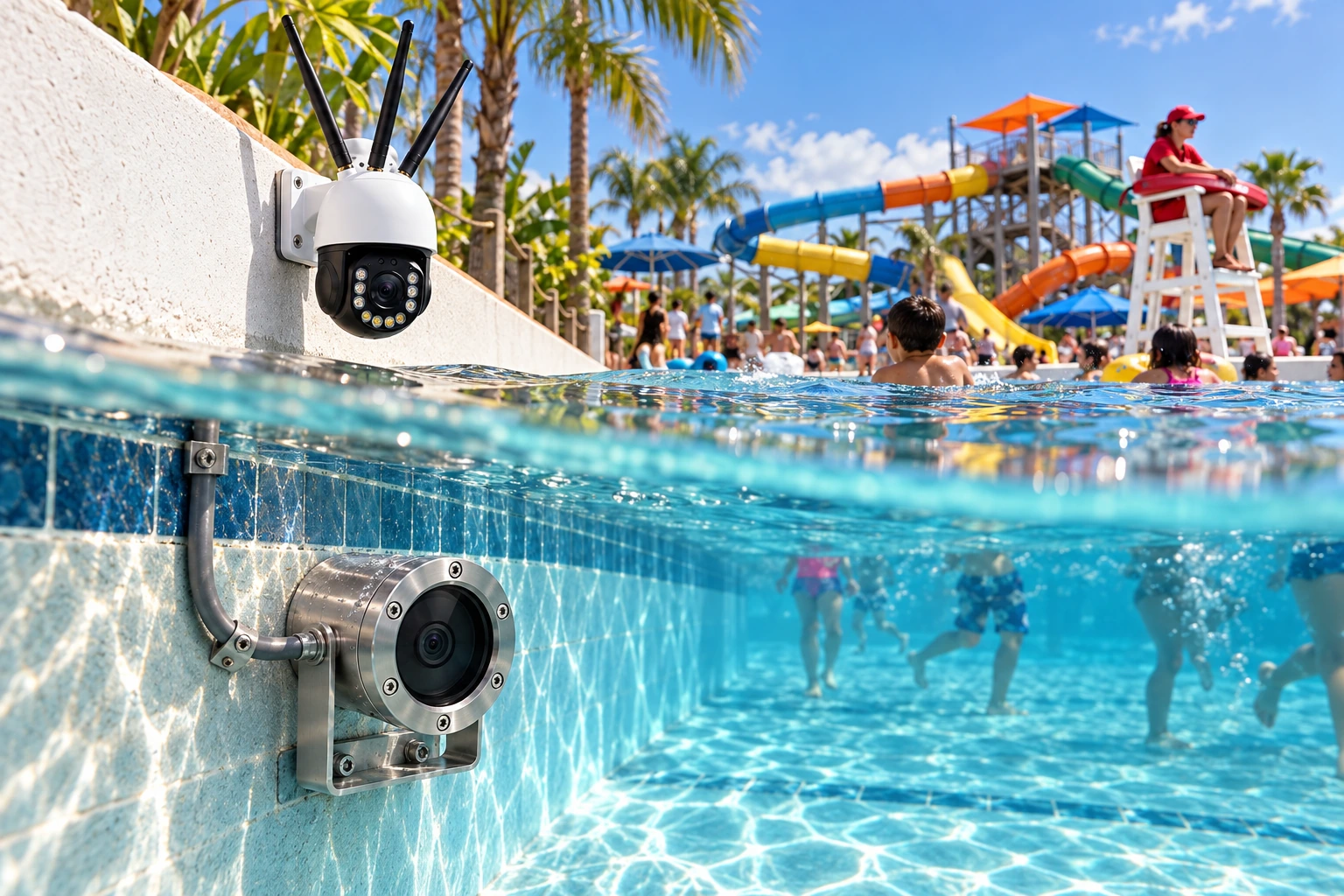
Shared response context.
Camera placement illustration
SA-SHIELD RETAIL SECURITY
Know what moves.See the context.
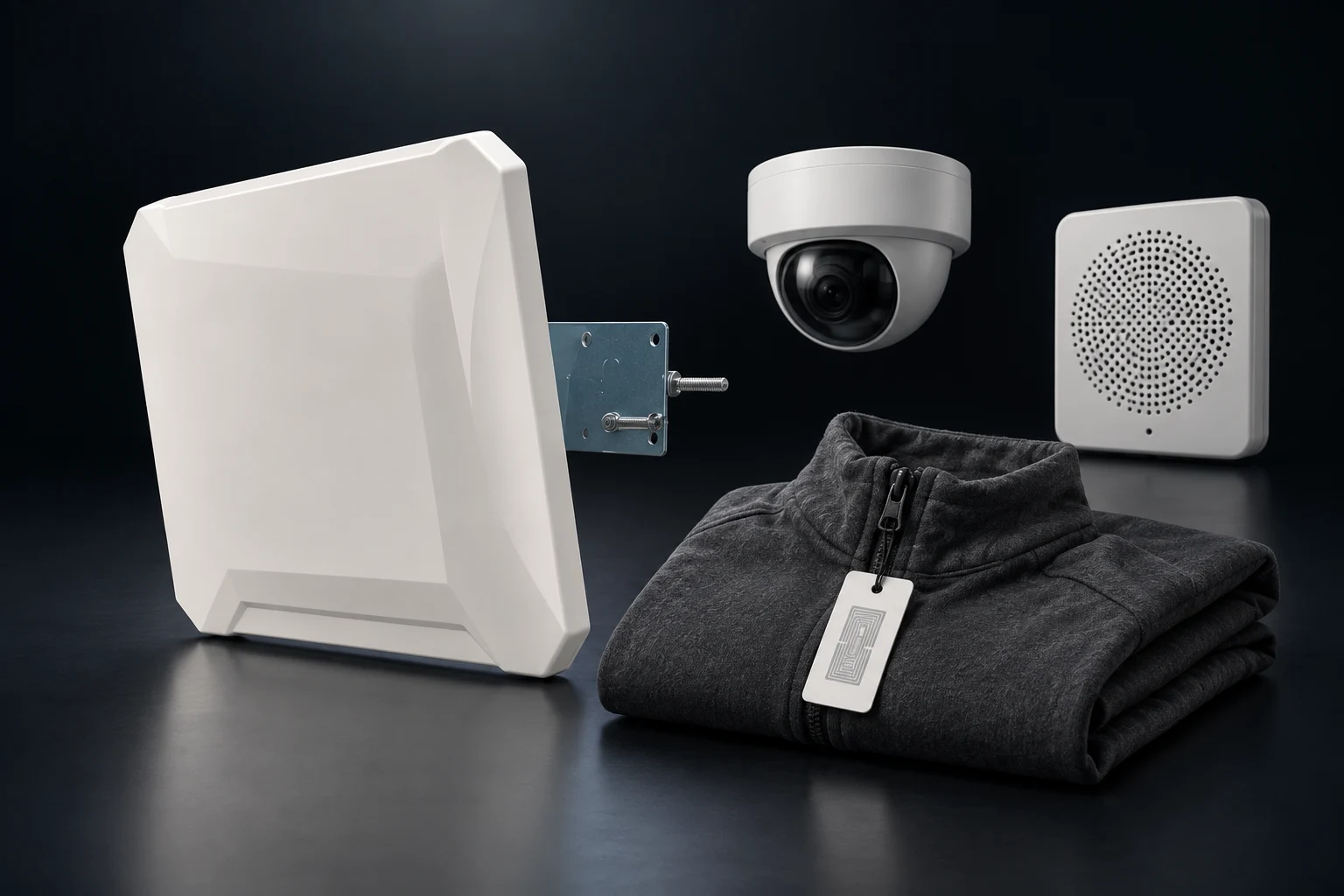
UHF readers connect tagged merchandise to AI-assisted event review, in-store cameras, and audio alerts. Bring inventory awareness and retail security into the same operating view.
- UHF RFID
- Camera context
- Audio alerts
- AI event review

CPR & IMMERSIVE TRAINING
Practice the response.Build the confidence.
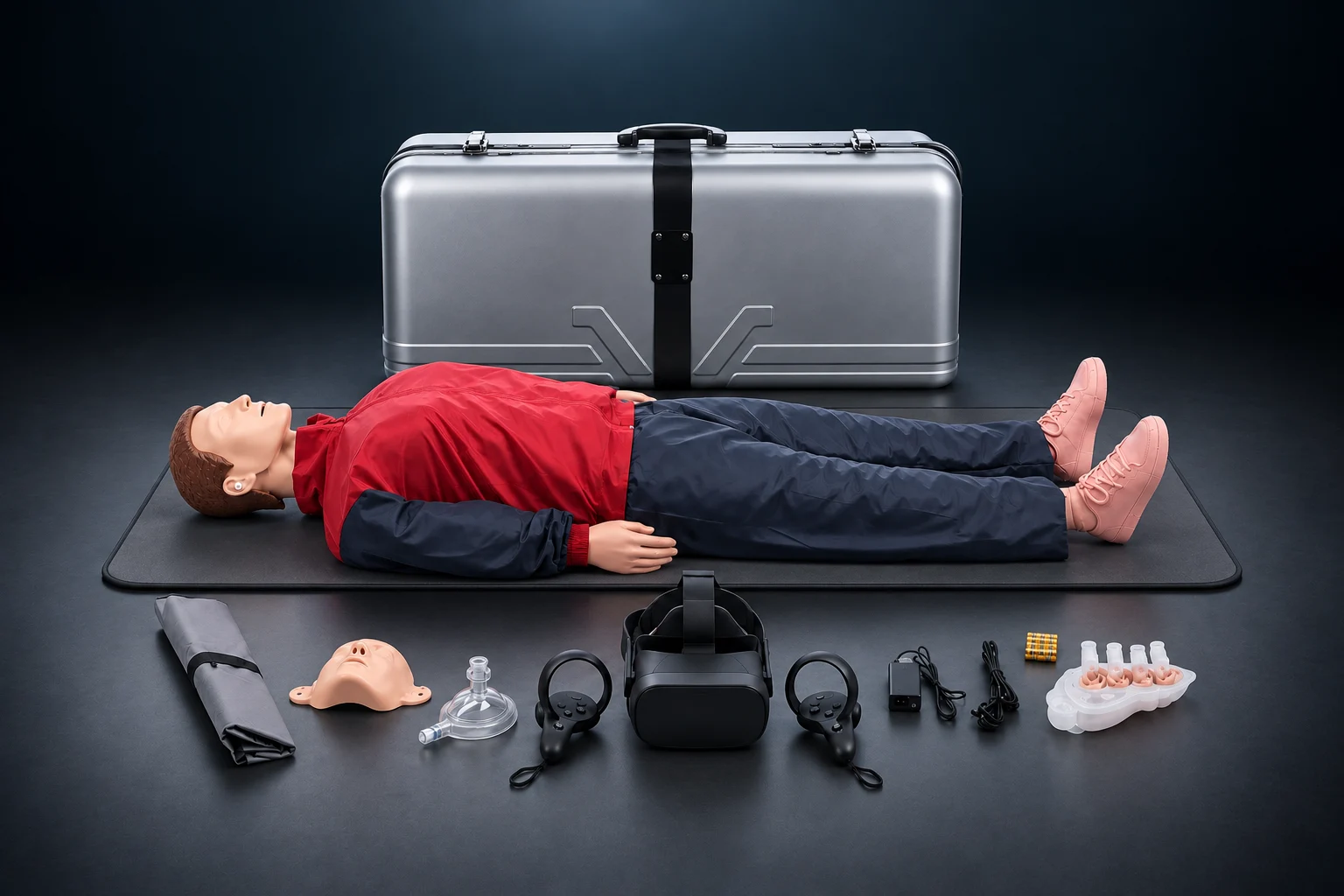
SA-CPR brings a full-body manikin, VR scenarios, and a portable kit together for hands-on practice. Review sessions, track progress, and connect training records to your team.
- SA-CPR
- VR scenarios
- Session review
- Training records

Immersive scenarios.
SA-SMARTVIEW
A view thatmoves with you.
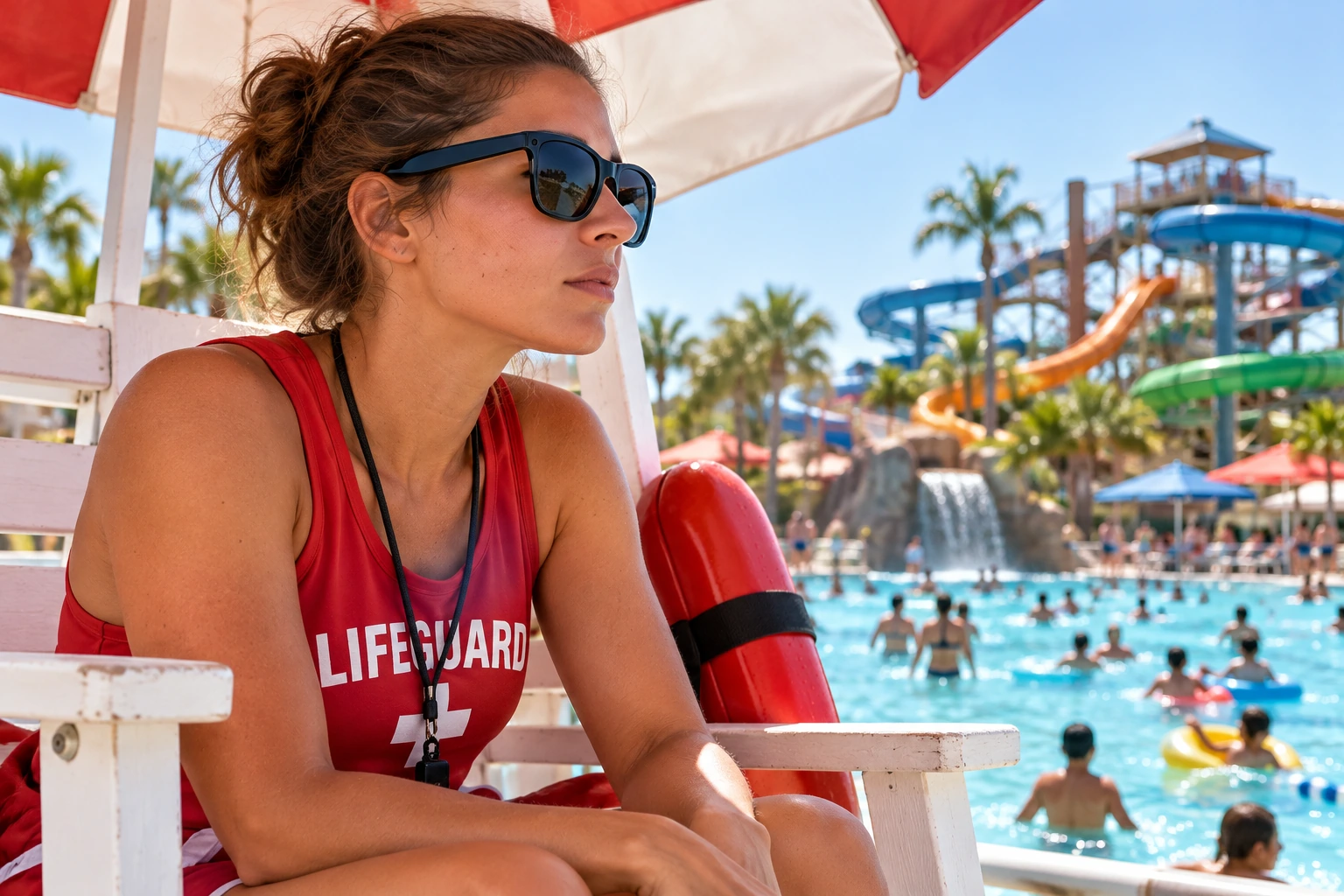
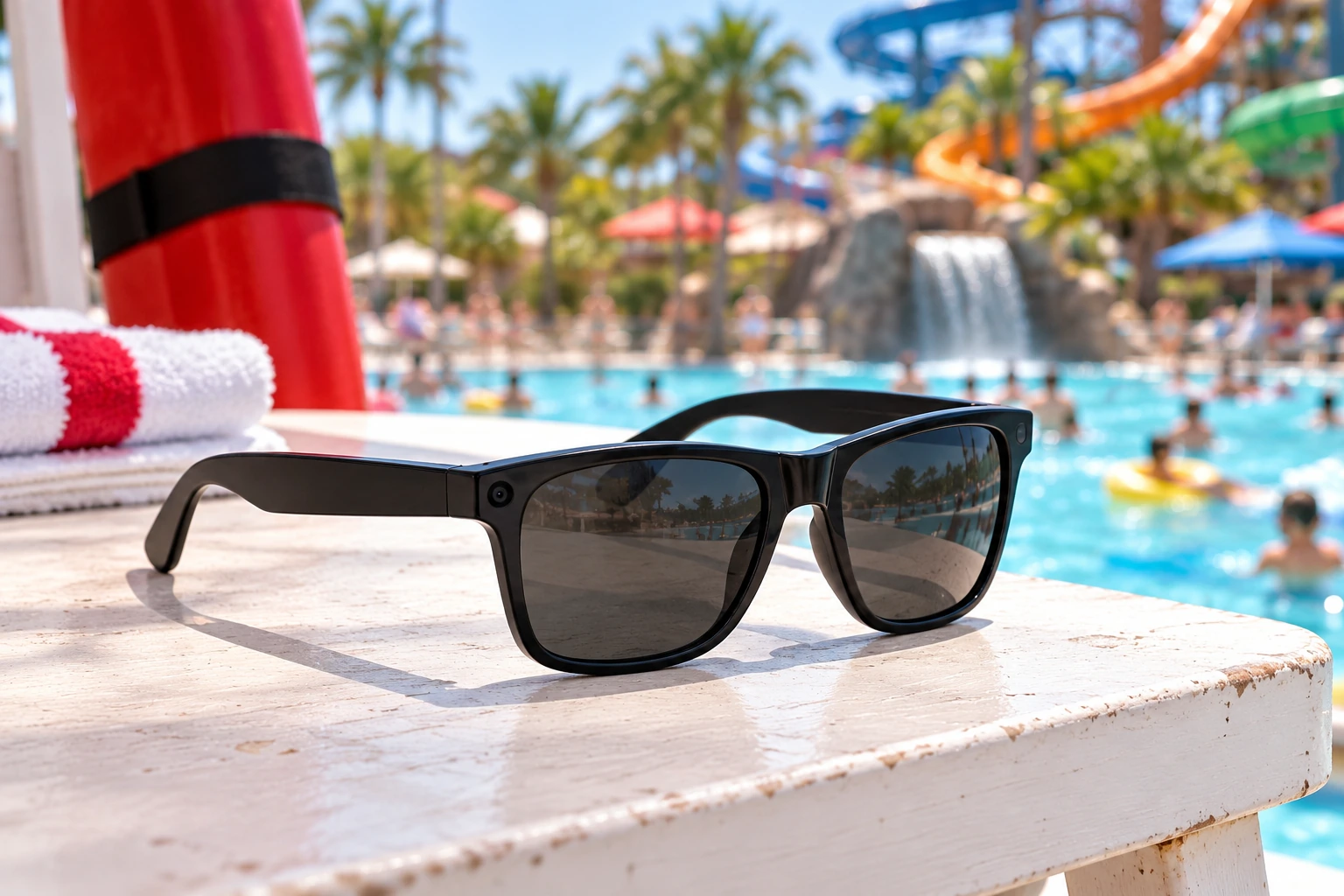
Black wayfarer-style smart glasses with a small corner camera. Connect the available lifeguard view to the assigned guard and zone, with a configured supervisor review workflow.
- SA-SmartView
- Corner camera
- Guard assignment
- Zone review
Our platform engineering partner
Built together.Connected for you.
ScanningAssist brings your property together. TresAlly is our platform engineering partner, helping build the connected platform behind the experience.
Meet TresAllyPlatform engineering by
Your property. Your configuration.
Make it yours.
Find your fit. Build your collection.
One platform connects it all.
Add a device to start your collection.
YOUR PROPERTY, CONNECTED
Request a Site Plan and Quote
Tell us about your facility and priorities. We'll recommend a practical starting point, product mix, and rollout plan.
- ✓ We typically respond the same business day.
- $299/mo for a single facility. Hardware quoted separately.
[email protected]973-525-9489Book a 20-minute demo ↗See pricing ↗Resources
© 2026 ScanningAssist · Connected commerce, operations, access & safety.